
WhatsApp Desktop
WhatsApp Desktop is the official WhatsApp app for Windows, letting you chat and call from your PC with the account on your phone.
339.2 MB

3.22.12 · MicroSIP · Page updated
MicroSIP is a free, open-source SIP softphone for Windows that makes voice over IP calls through your VoIP provider or office phone system.
Average 0.0 · ratings: 0
Thank you! Your rating is saved; you can change it. Could not save the rating. Please try again later. Too many ratings from your network today. Please try again tomorrow. The average appears after 5 ratings.
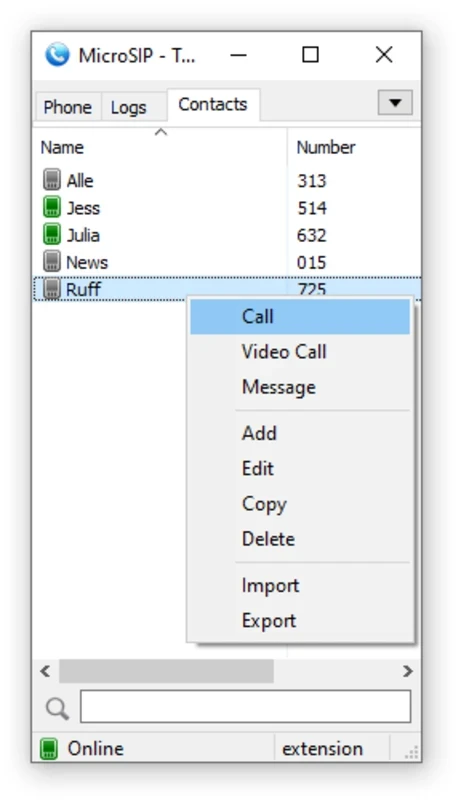
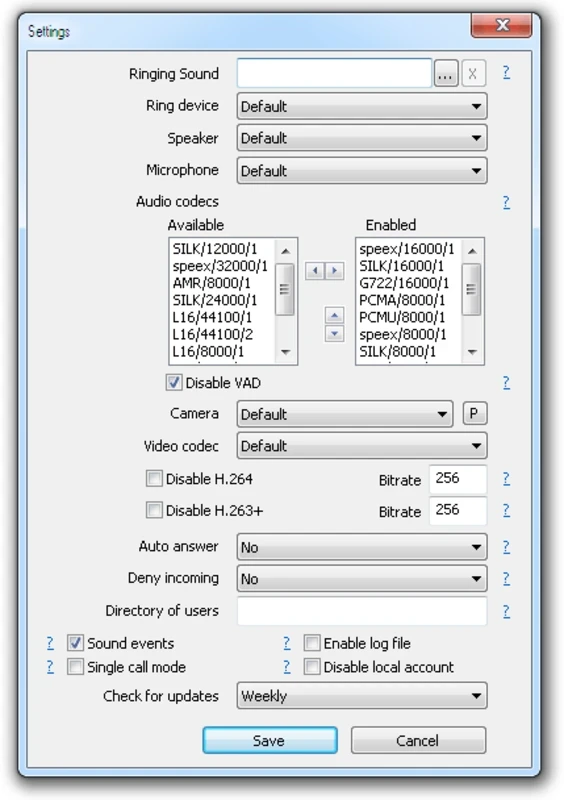
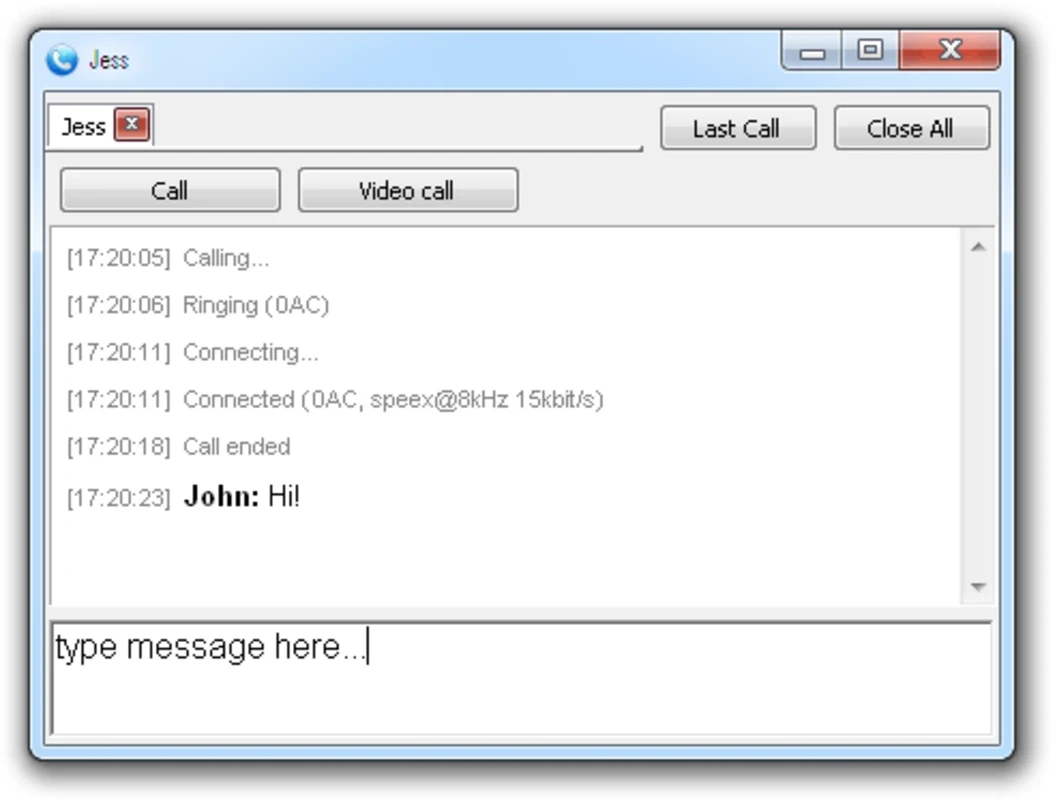
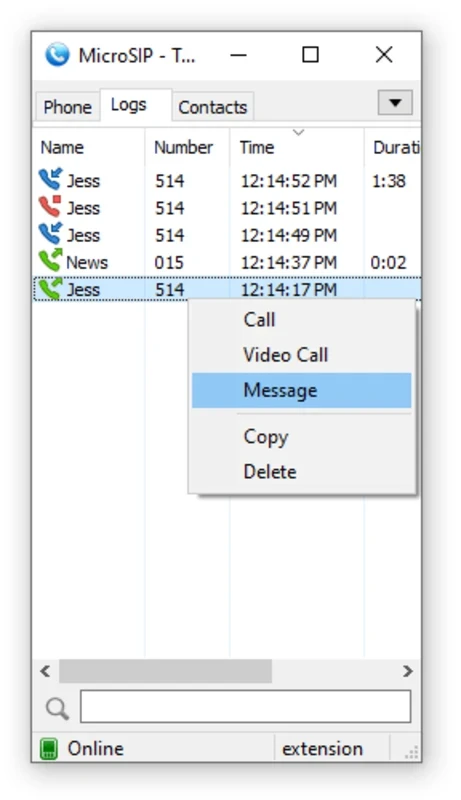
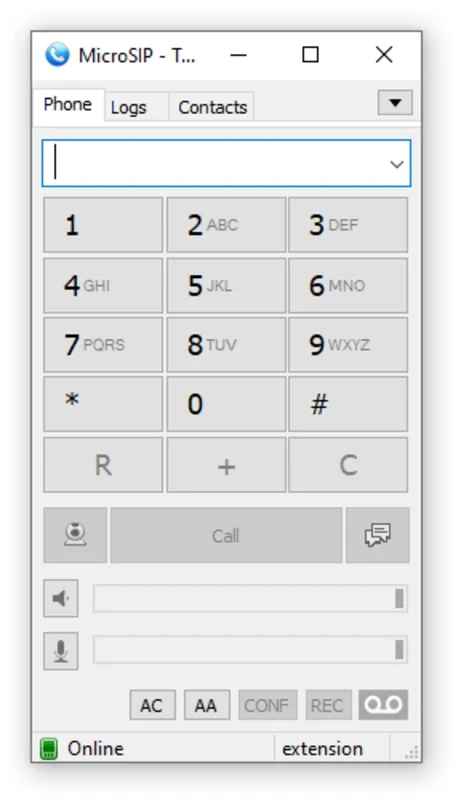
MicroSIP 3.22.12 is a free, open-source SIP softphone for Windows: it turns your PC into a telephone for voice over IP calls through a VoIP provider or an office phone system. You can download MicroSIP for Windows from the official website microsip.org, as a regular installer or a portable version.
| Item | MicroSIP | MicroSIP Lite |
|---|---|---|
| Version | 3.22.12 | 3.22.12 |
| Installer | 9 MB | 6 MB |
| Unpacked size | 20 MB | 13 MB |
| RAM usage | 10–20 MB | 5–10 MB |
| Systems | Windows Vista to 11; others via WineHQ | Windows Vista to 11; others via WineHQ |
| Licence | GNU GPL v2.0 or later | GNU GPL v2.0 or later |
Linux, macOS and BSD users can run it through WineHQ.
SIP is the standard protocol that most internet telephony services and office phone systems use. If your company runs a PBX, or you bought a phone number from a VoIP provider, you receive SIP account details: a server address, a user name and a password. A softphone like MicroSIP uses them to make and receive calls on the computer, with a headset instead of a desk phone. MicroSIP is popular because it is tiny and undemanding, as the figures above show, so it runs comfortably next to a browser and office apps even on an older laptop. Call centre agents, remote employees connected to the office PBX, small businesses with a cheap VoIP number and IT staff testing phone systems are typical users. It is not a messenger with contacts and chats like consumer apps: without a SIP account from a provider or your own PBX, there is nobody to call.
SIP accounts are a target for fraud: stolen credentials are used to make expensive international calls. Use a strong password, ask your provider to limit international calls if you do not need them, and never share account details in chats or email. Download MicroSIP only from microsip.org.
Use a wired connection or strong Wi-Fi, close programs that upload a lot of data during calls, and prefer a USB headset over laptop speakers to avoid echo.
For calls without a SIP provider, our listings include Zoom Meeting, Microsoft Teams and Google Meet.
WhatsApp Desktop is the official WhatsApp app for Windows, letting you chat and call from your PC with the account on your phone.

Microsoft Teams is Microsoft's collaboration and video-conferencing app for chat, meetings, calls and shared files at work, school or home.

Zoom Meeting is the desktop client of Zoom's video-conferencing service for calls, webinars, screen sharing and chat on Windows.

Camo Studio is Reincubate's desktop app that turns an iPhone, iPad or Android phone into a high-quality webcam for a Windows PC or Mac.

Google Meet is Google's video meeting app. On Windows it runs from the browser and can be installed as an app, with no separate installer to download.

Facebook for Windows is the desktop app of Meta's social network, with the news feed, groups, pages and notifications in a separate window.

Telegram Desktop is the official Windows client of the Telegram messenger, with chats, groups, channels and file sharing synced from the cloud.

Telegram Web is the browser version of the Telegram messenger: open it on a Windows PC, log in with your phone and chat without installing anything.